
CA Utility
The installer app for Contactless Access devices, for the installers who put CA modules in doors and elevators and test them on site.
What it does
- Installer: record each car and floor of an elevator group as you install its modules, step by step.
- Field Testing: test each module on site and mark it passed.
- See every module nearby with its signal strength, adjust a module's power, and read its button clicks.
- Every result goes to Contactless Access, as the module's service history.
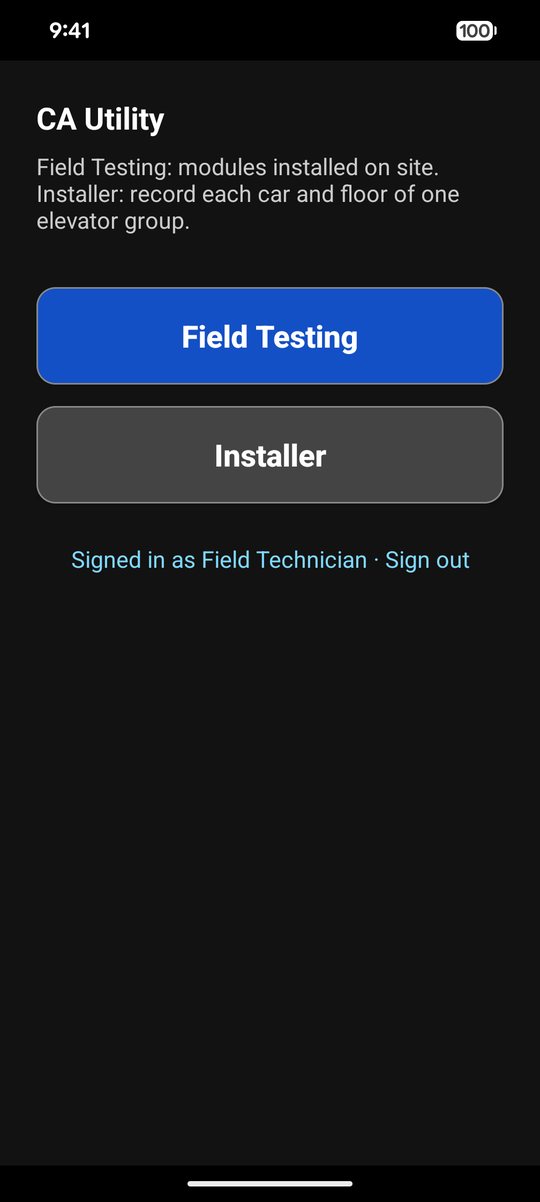
Start: Field Testing or Installer.
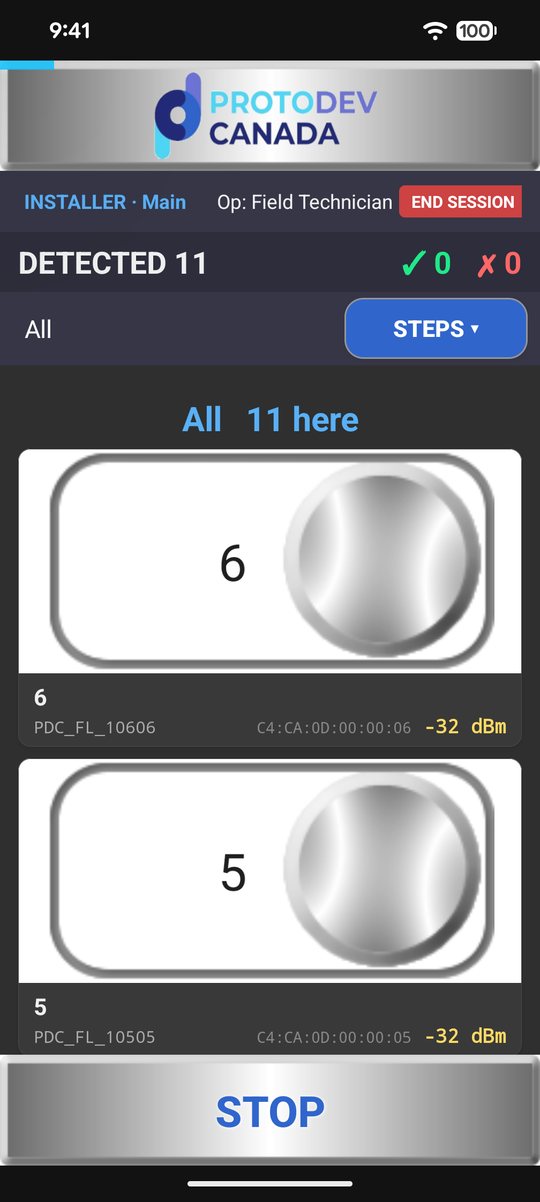
The modules nearby, with their signal.
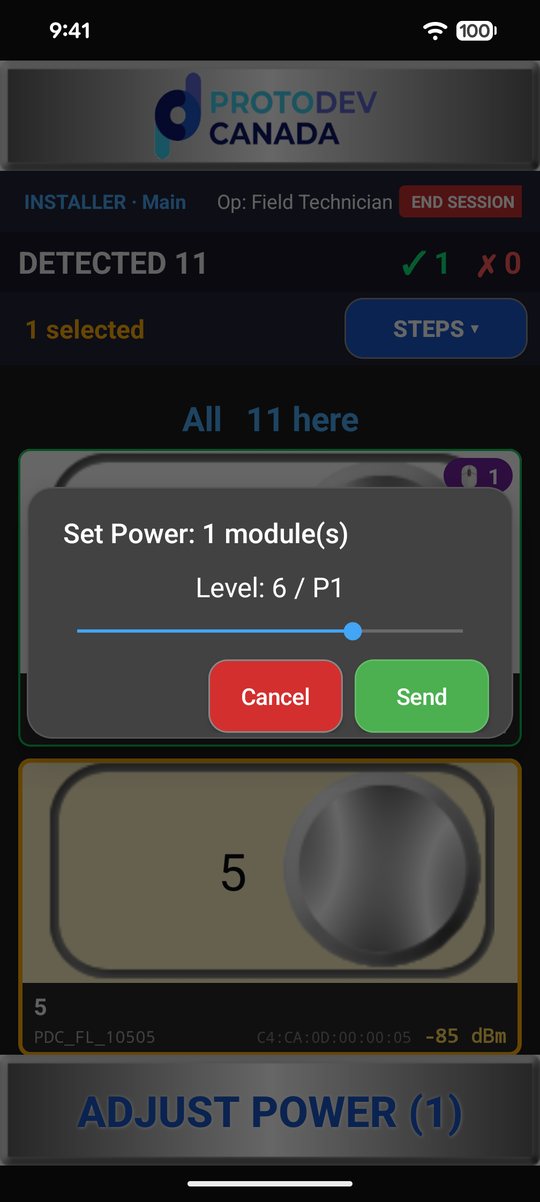
Adjust a module's power.
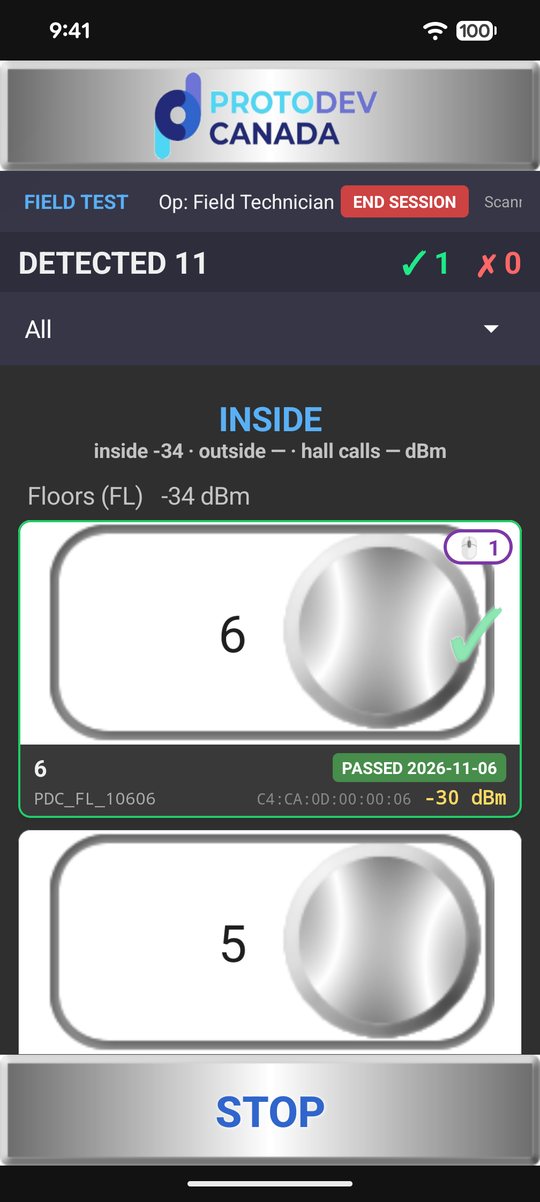
Field Testing: passed.
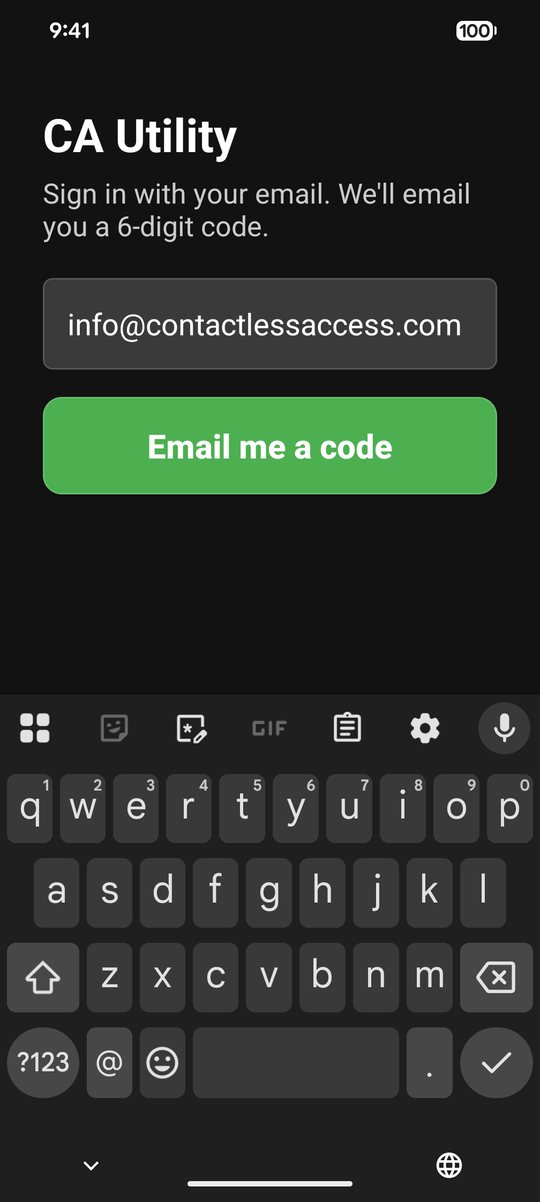
Sign in with a code sent to your email.
Installing an elevator group, step by step
CA Utility finds the site by GPS. You tell it the group's cars and floors, then record each one where you stand: inside each car, at each floor's hall call, and in front of each door.
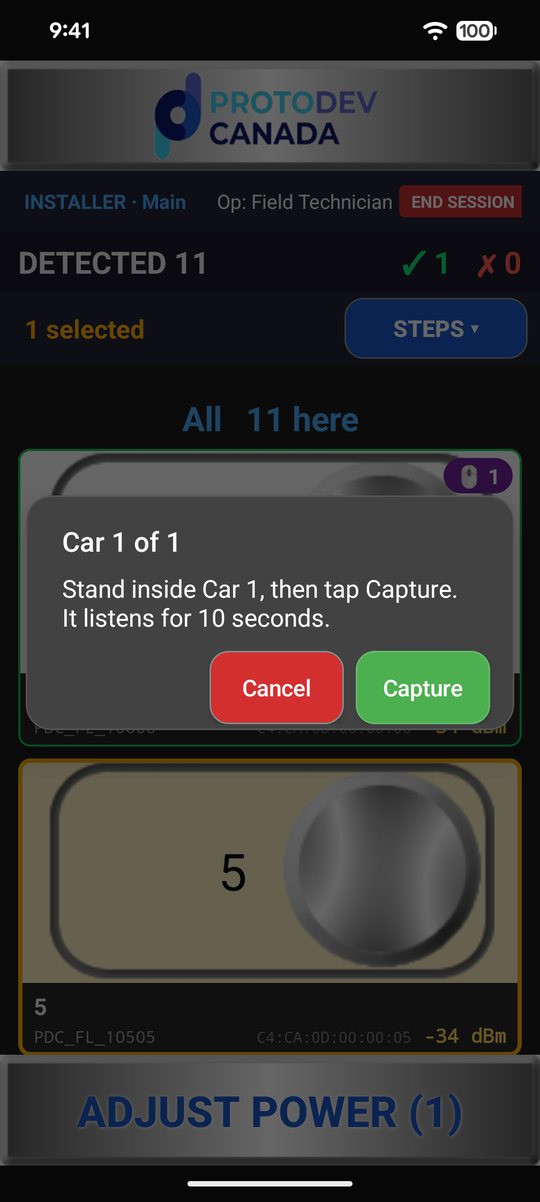
Stand inside the car and tap Capture.
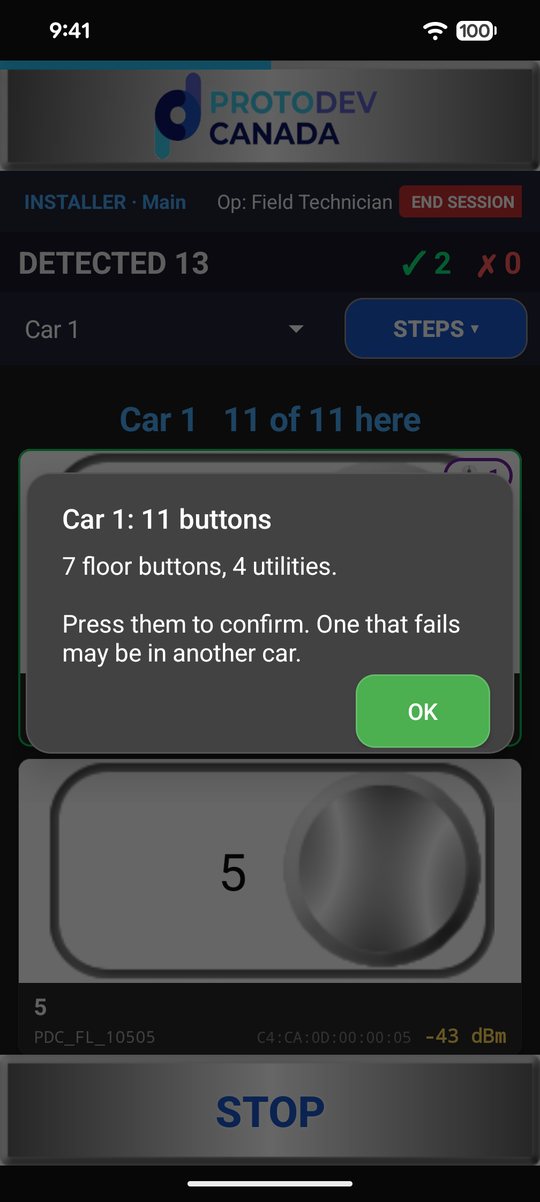
Car 1: 7 floor buttons, 4 utilities.
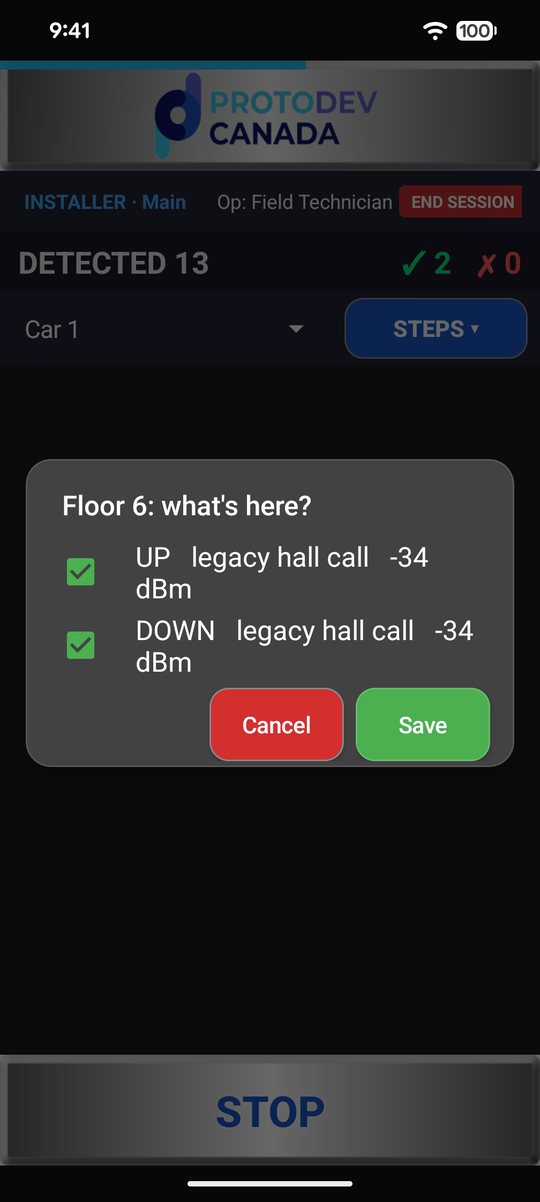
Each floor's hall calls.
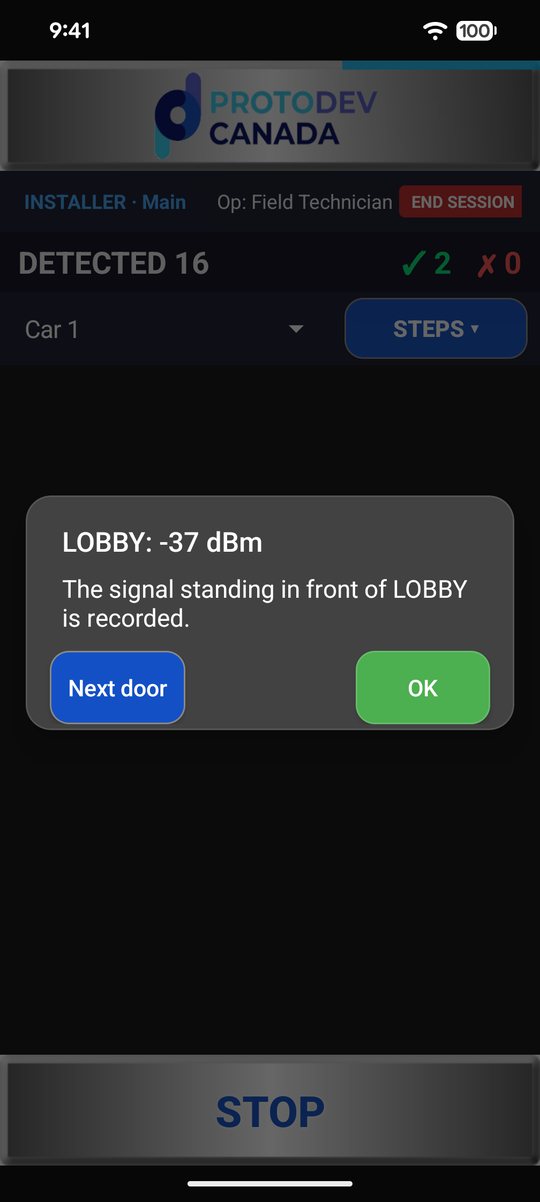
Each door's signal, where you stand.
Access by request
CA Utility isn't in the app stores for everyone. To use it you need two things, both set up by Contactless Access:
- The app: we add your Google account (Gmail) to CA Utility's test list on Google Play and email you a link to join. Then you install it from Google Play.
- A sign-in: we make you a web admin account with the access your work needs. You sign in with a code sent to your email.
CA Utility is for Android phones for now.
Request CA Utility Installer App